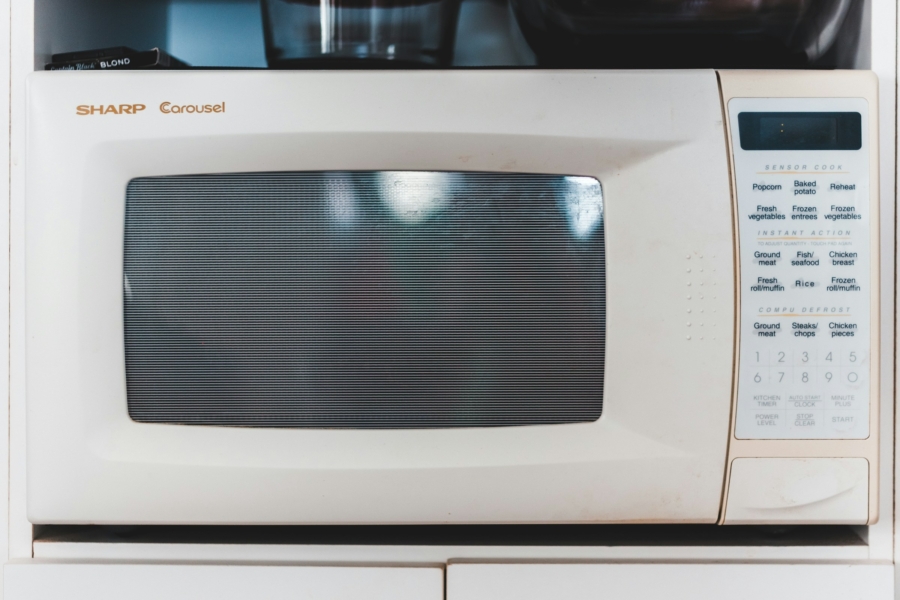
How to Take Microwave-Keypad Time Input on Shortcuts
When I am setting a reminder for an odd time (e.g. Claude usage reset), I must admit, the part that is frustrating is not repeatedly making an entry. Making an entry can be automated with Shortcuts. But marking time in every entry, scrolling through default time selector UI, makes the experience too tedious. So I opted for a known method that works: the microwave-keypad, left-align time input.
- Download the shortcut through the link.
- The shortcut takes a text input. And the expected input follows “microwave” logic. e.g. entering
12will be read as00:12(zero padding in the front). If it’s10:10 PMyou would like, you must pass either1010pmor2210. - Returned value is in text variable (not time). Either to make
Jul 2 2026 TIME, or simply convert it into a time variable by the caller shortcut.
I’ll try my best to explain what the shortcut does, but all the regex in it might be intimidating at first glance. The shortcut first captures the digits and am/pm (optional). For digits, it zero-pads at the front, and turns it into an hour:minute frame. Then it returns the combined result.
While I was searching for better time input UI, Gemini was putting me on a wild goose chase. It’s one of the problems current LLMs are ill-equipped to solve. Apple’s native solution for time input, which is scroll-based, exists and works. Explaining that it is a bad UI is an abstract concept that LLMs struggle to solve, much like many of the geometry questions you can throw at it. I had better luck getting insights by directly asking “what are the conventions of …”, in this particular case, I had asked “what are the conventions of time input”. It gave me two, I chose the microwave.