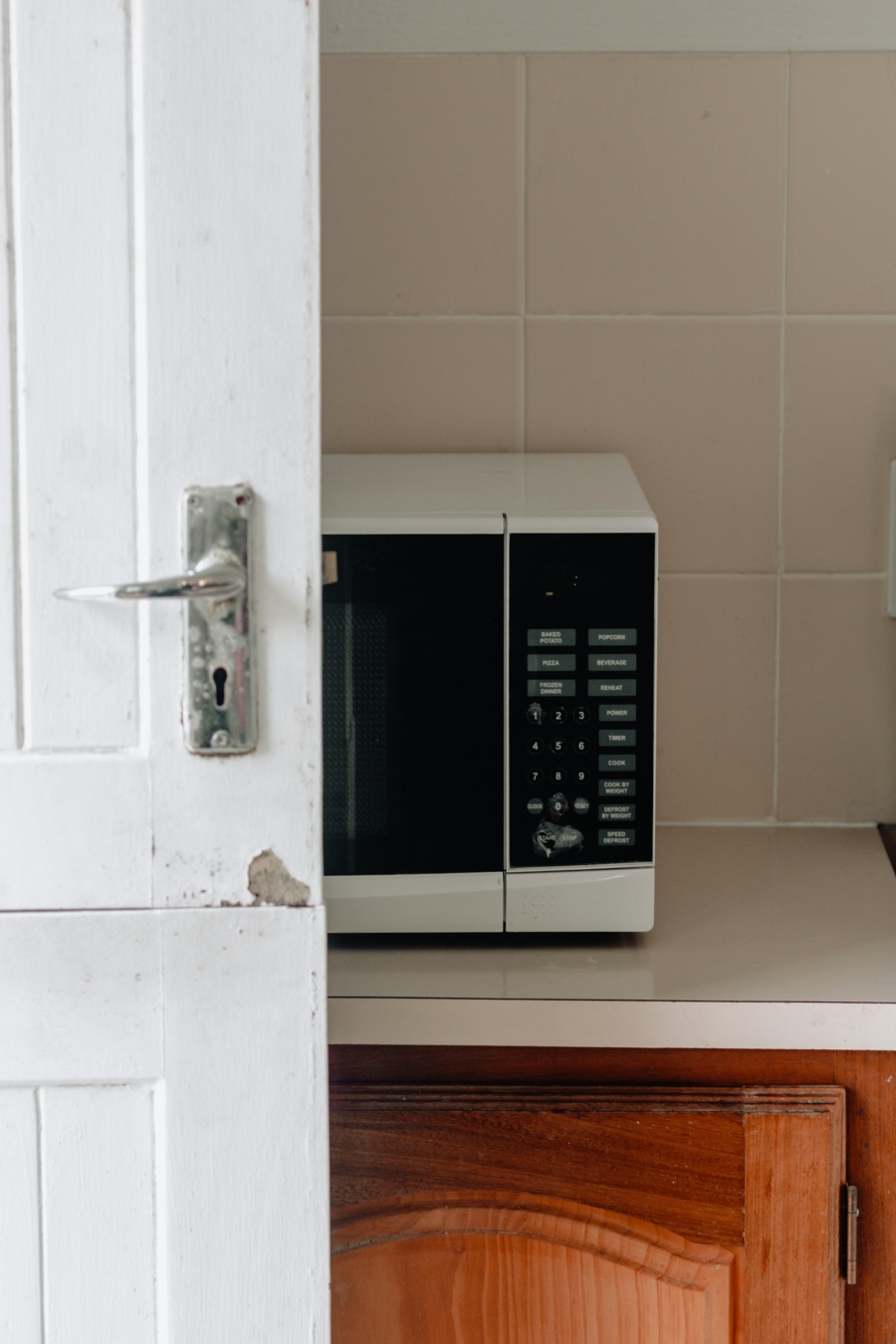
How to Take Microwave-Keypad Countdown Input on Shortcuts
Previously, I have discussed a specified time entry shortcut that behaves similarly to a microwave touchpad. It works for an absolute time entry (e.g. 10:23 AM), but many applications mix in countdown with no regard for streamlining the UX. Claude, for example, shows usage reset in both 1h23m and 4:20. Again, the goal of this shortcut is simple. Instead of using a scrollable default timer, let’s opt for a known method that works: the microwave-keypad, left-align, countdown input.
- Download the shortcut through the link.
- The shortcut takes a text input. And the expected input follows “microwave” logic. For example, entering
12will be read as00:12(zero padding in the front). If it’s1h23myou would like, you must pass123. - Returned value is in text variable, total minutes. Passing
123would mean1h23m, and the returning value will be83. The caller shortcut could use the value to add X minutes to the start time of your liking.
Because it only takes digits, the shortcut itself is relatively simple. It zero-pads at the front, and turns it into a pair of hour and minute. Then it returns the sum in minutes.