App to Check Your Password in Security Breaches
I suppose it’s a playlist of cybersecurity for this week. This is yet another good usage of searching through known breaches covered yesterday’s post. If you are not using a password manager, like it or not, you are most likely guilty of reusing the same password. If you are not using a random password generator of any kind, at least a writer’s dice, human mind is not the best device of generating randomness.
Have I Been Pwned offers a secondary set of search feature, which is to search based on passwords — based on the users’ actual passwords. The developers provide more in-depth documentations on how the website operates, but basically neither it nor any middleman would have access to the plain text of the password. If you are unsure of the process, you can always test it against the actual DB (it is downloadable) on the local machine.
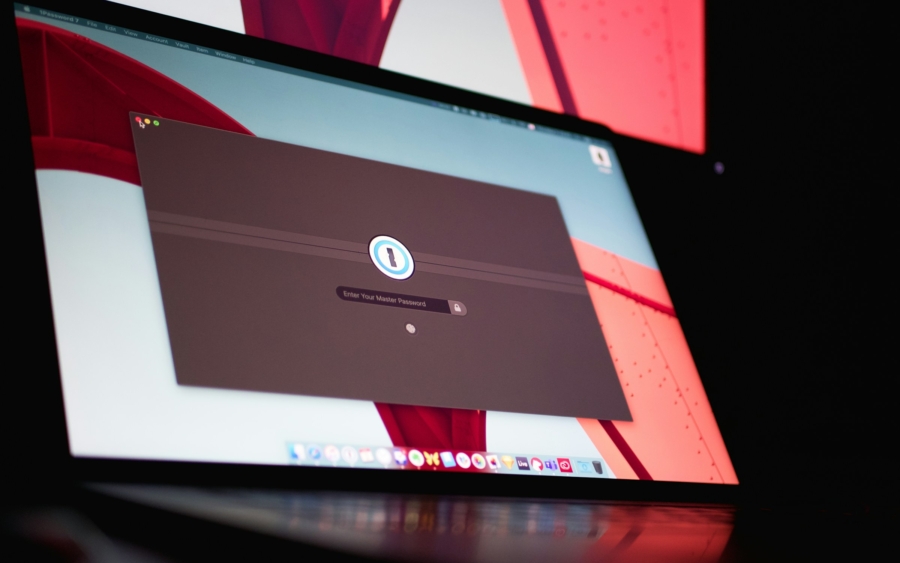
Again, password managers are already integrating HIBP or similar features based on their own DB. Apple is known to have their own system, and Apple’s Passwords app is freely available on iOS and macOS. There are password managers that are audited by third party to be safe. Some are free, and some are subscription based — these are questions of extra features for different uses. All in all, I must recommend using a proper password manager. Don’t bother memorizing all the passwords; the risk is just not worth it.