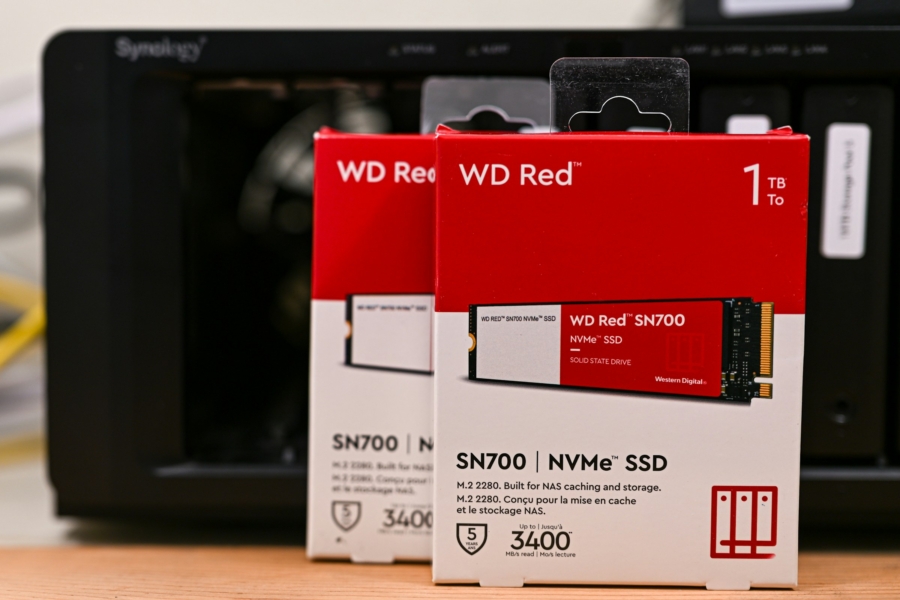
App to Create Synology SSD Pools on M.2 NVMe Slots
As I am migrating from Pi setups to one NAS, one of the immediate upside and downside was HDD. I get more storage out of the physical machine, but HDDs are still slower than microSD cards on Pi. Fortunately, I had some old NVMe drives sitting around and decided to make use of it. The only problem was, DSM 7.* currently does not allow creating a pool from NVMe drives for my model.
I’ve introduced this particular project before to avoid Synology’s drive policy, and now the same project can be reused to create a pool with M.2 drives on older models. It’s still called Synology HDD db, but it definitely works with SSDs too. The documentation on GitHub is comprehensive enough to set it up. Follow the guide on how to schedule the script to run on boot, so that it would always be available.
I didn’t have best of luck using Synology’s M.2 slots for cache. Maybe with more users, there would be some significant boost. Frankly, with SSDs mounted as a pool, I find more use cases for the slots — such as places for dockers, to use it as a home server. Synology doesn’t offer the best of best in the market when it comes to sheer computing power, and I’ve seen good recommendations to divided the two up. I will cross that bridge when mine inevitably fails; it’s holding up nicely so far.
Comments will be automatically closed after 30 days.