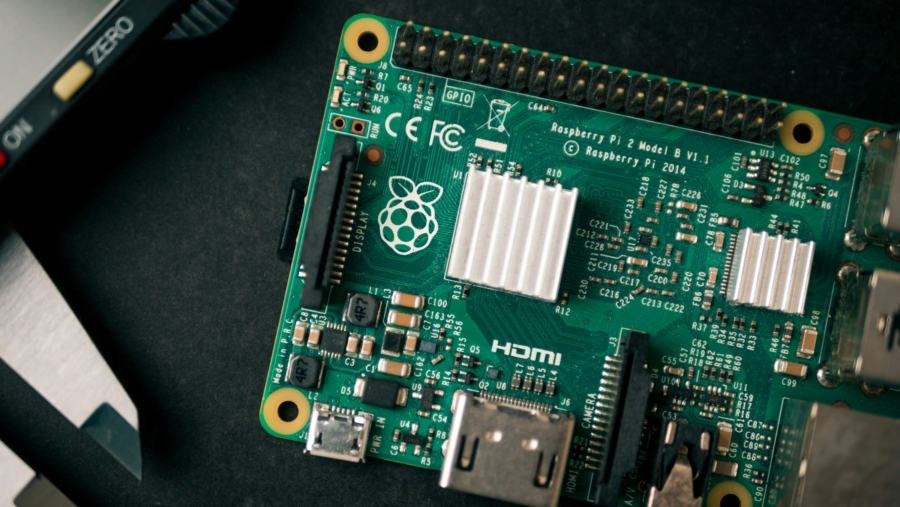
App to Backup Raspberry Pi over Network
I’m still in the process of retiring old projects. While I’m at it, I wanted a backup solution that will work over network. Putting a USB stick to a working Pi is a solution, only when that Pi is not headless (i.e. stuck away in a network closet). As far as I know, and this is a common enough warning seen in most Pi threads I’ve read, microSD card is the weakest link in Pi hardware. And once it fails, unlike HDD, there is no rescue.
The difference between what we were trying previously comes down to two things: one. Pi will remain powered on while backup is happening, two. the final result will be on your computer (or any computer over network).
The tool is called RonR-RaspberryPi-image-utils, and actual repository is on GitHub. It’s open source and freely available. It sounds rather technical on the surface, but steps are simple:
- Download (or clone) the repo and unzip the archive.
- Mount the destination as a drive on Pi.
- Run the
image-backup. Don’t forget to use the network path.
If you happen to be using a NAS, you could use padding for incremental backup. It will create bigger .img file for the future use. And when it is run again, it will copy over the files that have changed since. My SD cards were using 8-10 GBs at most, so I had used 2 GBs for padding.
Comments will be automatically closed after 30 days.