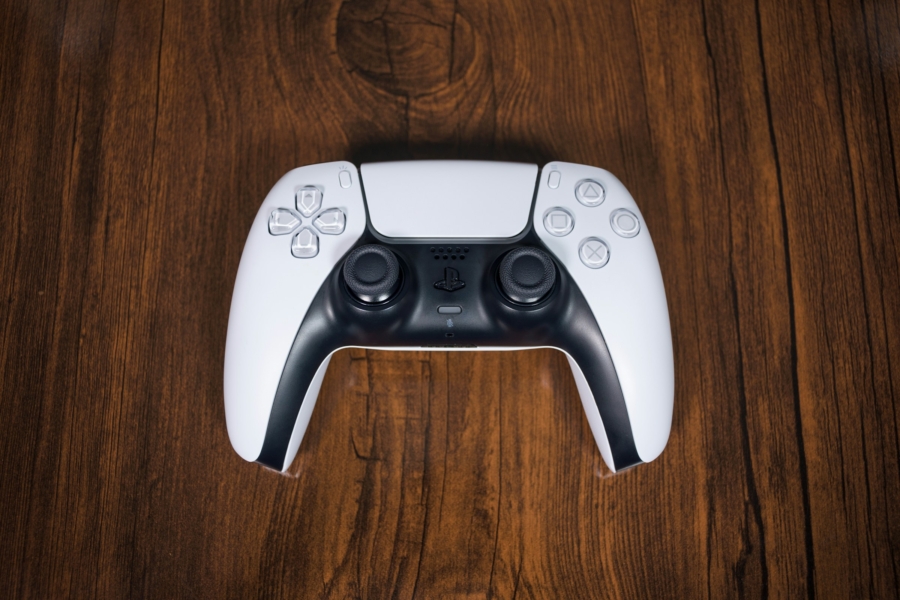
How to Troubleshoot DualSense Stick Drift via Resetting
There is no permanent fix for stick drifts on official controllers, as far as I know. All controllers suffer from stick drifts to some degrees. And from what I can gather, aside from third party controllers (which may not support haptic feedback and/or adaptive trigger), the only option is to look out for premium models like DualSense Edge. Sony’s DualSense Edge is priced at $199.99, and it comes with the replaceable stick modules. I, for one, recommend getting a regular DualSense controller, considering the inevitable battery degradation.
Reports on the lifespan of DualSense analog stick vary, and Sony hasn’t released any firm numbers on the subject either. There are reports it started to wear as early as 6 months. Mine lasted for 5-6 years, with a DIY battery replacement. Lithium ion battery died first, and had I bought a new controller then I might not have noticed the pesky issue at all. In other words, your mileage will definitely vary. Just because the controller is 6+ months old, it doesn’t mean it requires extensive stick drift testing.
Please use this post as a guideline. These were the steps I took to identify if the issue was software or the hardware.
- Reproduce the suspected ‘stick drift’ phenomenon in a game. I recommend games with either top-down 2D games, or any games with 2D menus (including inventory). If your character or cursor is constantly facing certain direction, even when the stick isn’t pressed that way, it’s likely a stick drift.
- Power off the controller, and if connected, disconnect the controller from the console. On the backside of the DualSense, there is a tiny hole next to a Sony logo. Using a pin or a SIM ejector, press and hold the button for 5 seconds. It won’t blink or make sounds.
- Connect it to the console and power on the controller. Using the same method (i.e. the choice of your games) from step 1, see if the problem still persists. It may be okay for the first 30 minutes or so, then starts to having issues. If so, the problem is mechanical. If not, the reset has likely fixed the issue.
From online threads and some documentations I could find, apparently there are two types of stick drifts: one from faulty software compensation, or from mechanical wear. I do not know to what extent DualSense firmware is designed to compensate or calibrated, but the data can be skewed over time. Resetting it will fix the software issue, albeit temporarily until Sony pushes the real software patch. Mechanical wear is the ‘stick drift’ that is irreversible.
It is indeed possible to look out for DIY upgrade to DualSense, or buy a third party controller that has addressed stick drifts with different modules. But controllers do fail; it’s not limited to analog sticks anymore. Replacing or upgrading sticks on DualSense requires some soldering work. That is, if you could find a reliable third party stick in the first place. If you do have a failing DualSense and wouldn’t mind taking the risk, it is an option, albeit not foolproof.
Comments will be automatically closed after 30 days.