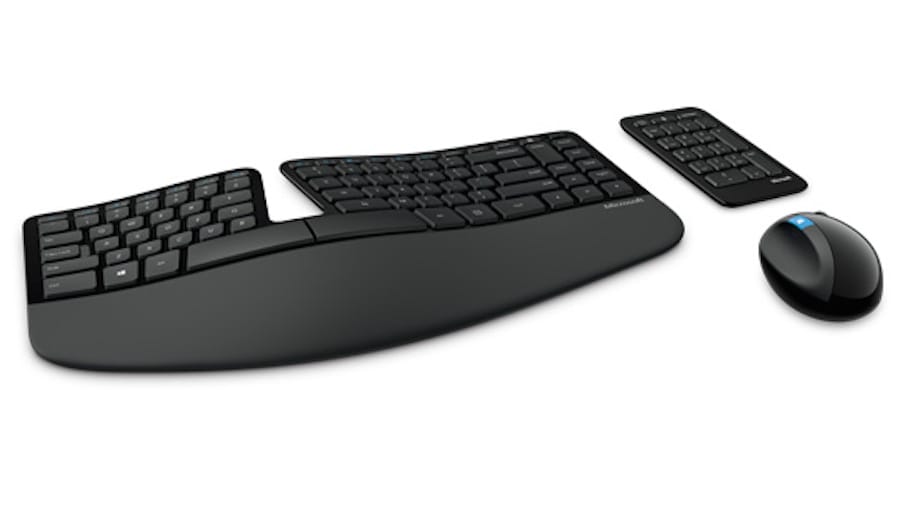
Microsoft Sculpt Keyboard on Mac
Karabiner-Elements: please check this post out.
ControllerMate ($24.95) Solutionnote: ControllerMate is currently incompatible with macOS Catalina.
- Download ControllerMate from here, then install it. (It will ask to restart at the end of installation)
- Download the already-made settings from here.
- Uncompress the file, and in ControllerMate, import (under File menu) the setting.
- Enable the settings by checking the appropriate programming group in the side bar. (if solely used by itself, then check the first. If used with karabiner, then check “w/ karabiner” group)
ControllerMate is a paid solution, so it may appear less appealing compared to Karabiner. But it is a solution with finer details and broader control. In theory, you can customize all of Windows specified keys and then some. The settings I’ve made does NOT map the entire keyboard past F4 volume control, but only the calculator key. Several posts I’ve read also recommended ControllerMate for its utility. It is intended to be used with MIFI devices, gaming devices, and etc. On the down side, while it is more GUI-friendly, it requires a lot of handwork to map the entire keyboard. Also it is known to have memory-hogging behaviors and glitches. Giving it a shot wouldn’t hurt, they also have a demo version available on the website.
Let me know if there is any questions or concerns, I’ll try to answer them to the best of my knowledge.
updated Dec 7, 2019: added ControllerMate info.updated Oct 22, 2015: added ControllerMate info.updated Sep 8, 2016: added Karabiner support info.updated Sep 21, 2016: added instructions for ControllerMate.updated Sep 22, 2016: changed instructions for ControllerMate (differentiate left/right option key).updated Sep 23, 2016: changed instructions for ControllerMate (now downloadable).updated Sep 27, 2016: Karabiner-Elements can do the trick now. BTT solution is removed.updated Oct 27, 2016: Karabiner-Elements finally support a keyboard and a bluetooth mouse at the same time.updated Feb 13, 2017: added GUI modifications setup for Karabiner-Elements. No need to re-do the setup, if you have previously downloaded json file.updated Jun 12, 2017: separated Karabiner Instruction to this post.updated Nov 10, 2017: complete overhaul of the post for readability.updated Oct 15, 2018: fixed the ControllerMate pre-made settings link.