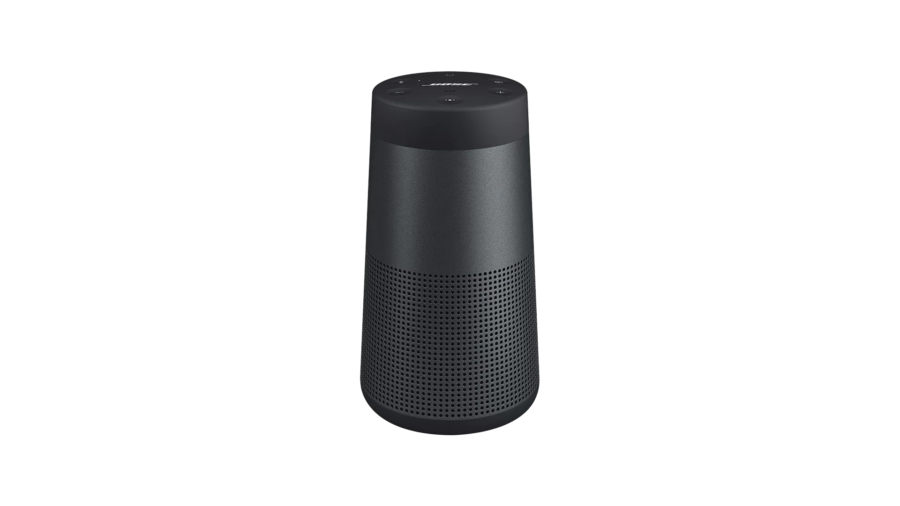
How to Band-aid Fix Bose Portable Speaker Slow or No Charging
I can’t speak for all Bose speakers — this might be an issue only with older models. One I have is SoundLink Revolve II, a cylinder-shaped speaker with an optional charging cradle. I use my speaker to play music or radio (via smartphone app) while showering or doing morning routines. It’s great for what it is as it is water-resistant. But it gets quickly annoying once it starts having charging problems.
I’ve had this issue twice already with the same model. Like most appliances with batteries nowadays, Bose speakers do need to be charged. But while sitting on cradle for few hours, or even for few days, the charging is either extremely slow or the battery is actually depleting.
Before simply throwing out the rechargeable speaker to the bin, I would suggest trying a simple firmware reinstallation:
- Connect the Bose speaker to a computer.
- From Bose Updater, once the speaker is connected*, press
A+D+V+Up+Down. - Even if the firmware was already up to date, now you may reinstall the firmware.
- Follow the instructions from the Updater to finish reinstallation and try recharging.
* I would recommend using Google Chrome with Bose Updater, as I couldn’t get it to connect to Firefox.
It is a relief there is some sort of reset mechanism in place. The method worked both times. I wouldn’t say the problem is reoccurring regularly, but it seems to be a glitch a simple firmware patch could have fixed. From my experience with Bose products, software is not Bose’s strong suit. So I only hope that I could get most out of it until I decide I will simply use my waterproof smartphone everywhere. I believe, to some extent, smartphone speakers are better than some of the entry level Bluetooth speakers available on the market.