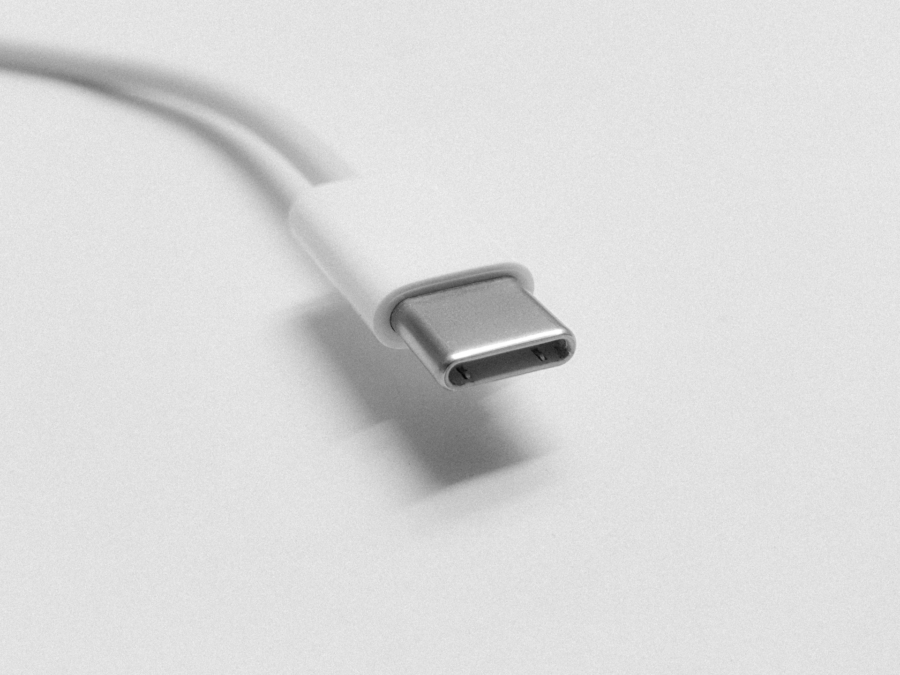
App to Test USB-C Cables on macOS
I did float the idea of buying a USB-C tester only to be thoroughly defeated. USB-C, as it stands, is more about the physical shape of the plug and port, not what is traveling on the cable itself. However, USB-C simply isn’t “one cable to rule them all”. Type C is more a nutrition label or laundry tag — universal in format, but nothing in the rules says a cable has to support all of it.
WhatCable is a free and open source tool available for macOS to determine data bandwidth and power delivery of a cable. There is a paid version as well, WhatCable Pro, at £9.99 with additional features.
But before you do pull the trigger and test all the cables sitting in the drawer, I do want to propose a management solution — keep and buy only the USB cables from reputable manufacturers with clearly spelled-out specs. The majority of the bundled USB cables often meet only the bare minimum. Say, if you are looking for 2 m or 3 m long Thunderbolt cable for your laptop, you are not going to find a freebie in a drawer. Same is true for power delivery.
USB-C is the typical “15th standard” to unite 14 other standards. It covers everyone’s use cases on paper, just that nobody wants to make that one cable either. Not to mention, if you are a home theater person, HDMI has also left the USB-C party. There is no future plan for HDMI alt mode. Now we have 15 standards, just that they all look the same.